Our second kid was born in February. With our first, my wife and I tracked feeds and diapers in a shared spreadsheet. It worked, technically. But editing a Google Sheet on a phone at 3am with one hand free is its own kind of punishment, and by month three we’d mostly given up on it.
I should confess something here. I’ve been a data professional for over a decade. Tracking, measuring, and analyzing things is what I do for a living, and quietly, I do it to most of my own life too. Sleep, training, finances, server uptime. So when the second one arrived and my sleep-deprived brain couldn’t be trusted to remember anything, I knew I wasn’t going back to the spreadsheet.
I looked at what was out there before building anything. Most apps run on subscriptions. A few do the freemium thing where the useful parts sit behind a paywall. The rest pad themselves with features I don’t need or want. None of it appealed. So I built my own. Free time as a parent of two is, generously, “limited”, but agentic coding tools have changed the math on side projects. What would have been a months-long evenings-and-weekends grind a few years ago became something I could ship a usable v1 of in a couple of weeks.
What It Does
Baby Tracker is a small PWA that logs feeds, diapers, sleep, and notes. Tap a button, timestamp captured, move on. That’s the whole thing.
The home screen shows the last event for each category and today’s running total. The stats view does what a data person would expect: daily averages, two-week trends, feeding intervals. Boring, useful, exactly what I wanted.
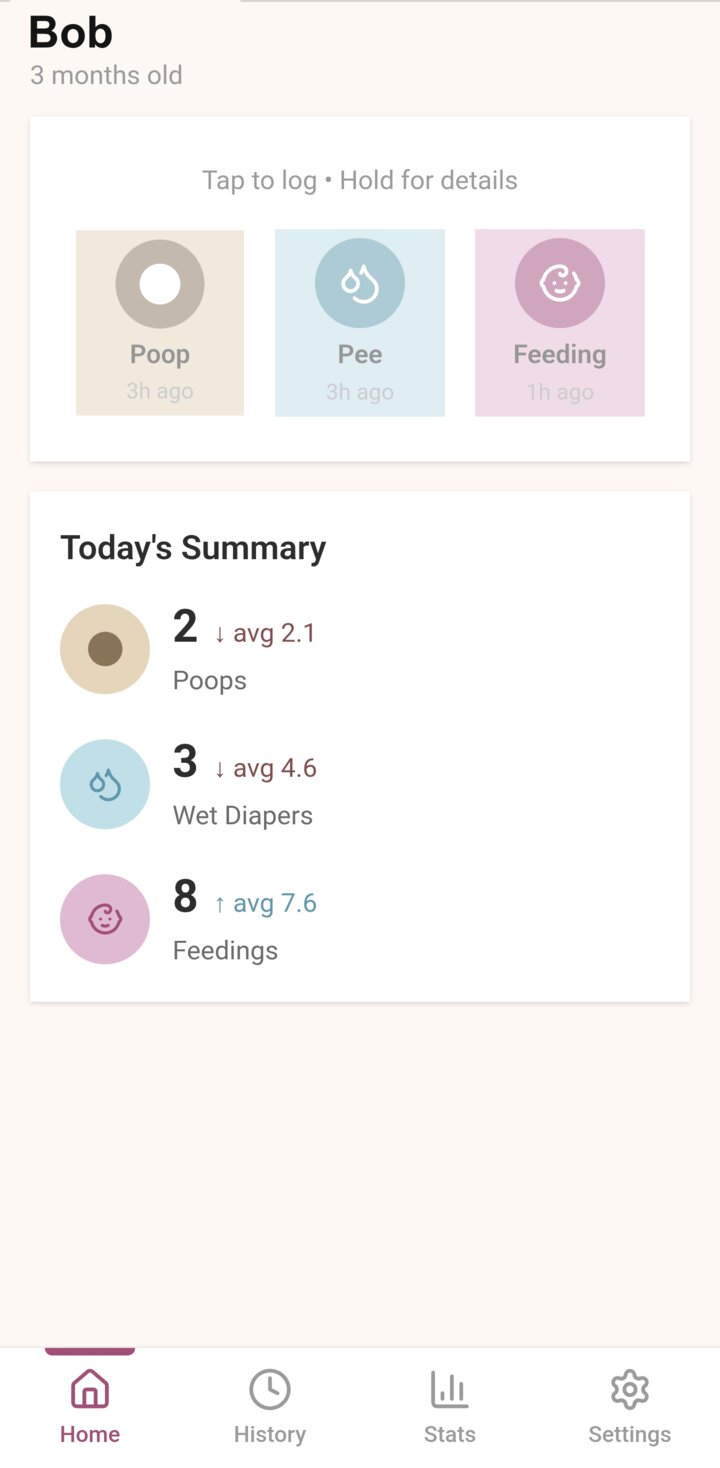
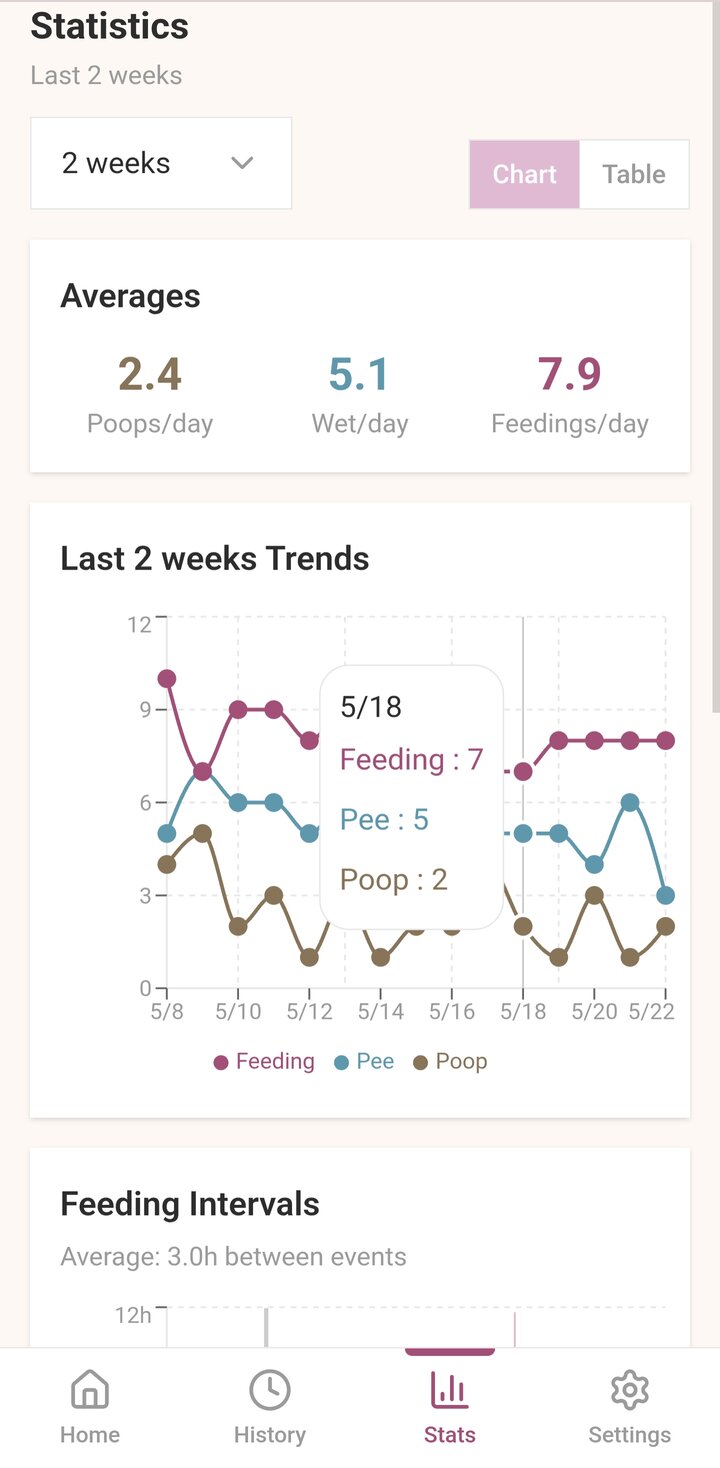
Co-parenting is built in. My wife and I have separate accounts but share the same baby, so an event one of us logs shows up instantly on the other’s phone. No password sharing, no “wait, did you write that one down?” Optional alerts nudge us if it’s been too long since the last feed. CSV export is in there because of course it is. I’m not trusting an app to be the permanent home of my kid’s data.
Why a PWA
I went with a PWA over native for boring practical reasons.
One codebase, three platforms. I’m one person building this in evenings. I’m not maintaining a Swift codebase and a Kotlin codebase in parallel to log diapers.
No app store nonsense. No 30% cut. No waiting on review every time I fix a bug. The browser handles install. The home screen icon looks native enough.
The service worker handles offline caching, so logging still works on patchy hospital WiFi or in the kid’s room where my router signal apparently dies.
The Stack
Nothing exotic:
- React 19 with TypeScript
- TailwindCSS for styling
- Supabase for auth, Postgres, and realtime sync
- Zustand for local state
- TanStack Query for server state
- Vite PWA plugin for the service worker
UI writes to Zustand, Zustand syncs through TanStack Query to Supabase. Optimistic updates make it feel instant. Push notifications run through the Web Push API with a Supabase Edge Function doing the delivery.
What I Learned
Using something yourself at 3am is the most honest product spec there is.
Features I thought were clever got cut because I couldn’t be bothered to use them at 5am. Every button got bigger. Every confirmation either went away or became one tap. Multi-step forms died.
I also noticed that even a baby tracker benefits from a data person’s instincts. Decent indexes on the events table. Sensible time-zone handling. Idempotent writes from the offline queue so a flaky connection doesn’t double-log a feed. Nothing fancy, just enough so the app doesn’t get in its own way.